I am Abhishek Kankani, CEO and
co-founder of Dyte. Today, I am
very excited to send our first
newsletter your way. This
newsletter will help you stay
updated regarding all things Dyte
- product releases, product
roadmap, content we publish, what
is happening in our community and
how we are doing
|
We started in Sep 2020 with the
aim of becoming the most developer
friendly live video SDK and rolled
out our MVP in April 2021. So far
we have
|
Being a developer-first company,
continuous improvement of our
product remains our key priority
and we have some exciting new
features to share with you this
month. We suggest you update to
the latest version of our SDKs, if
you haven't yet:
|
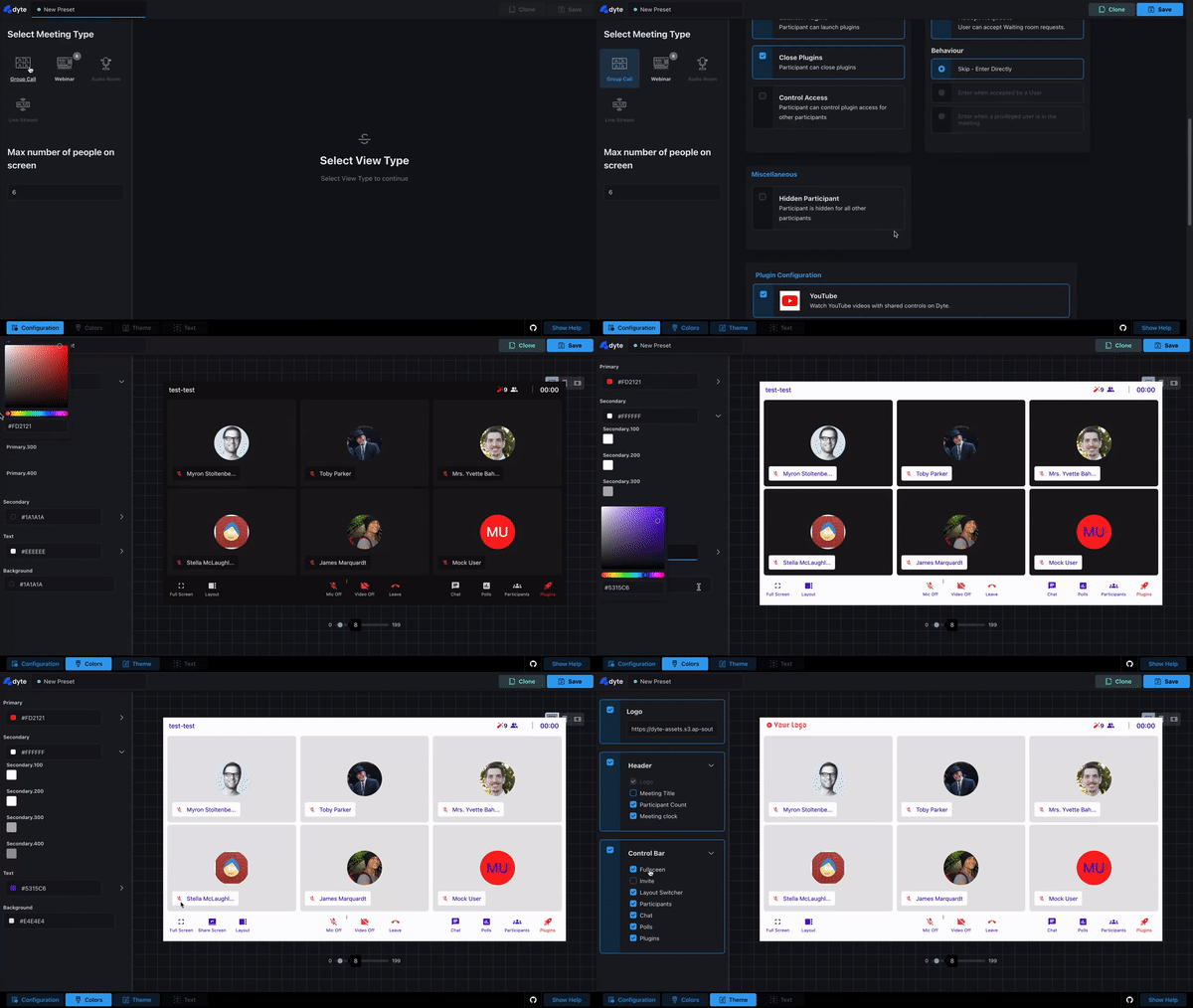
# Preset Editor
We have revamped our preset
editor UI and now you can control
every small detail about your
meeting - permissions, roles,
colors, themesgrid size, and which
plugins are displayed on the
sidebar. Furthermore, the editor
includes an initial walkthrough
guide to help you harness all its
powerful configuration options.
Check it out at https://editor.dyte.io
|
|
# Mobile SDK
-
Dynamic presets and support
for custom button in drawer
(React-Native):
Currently a React-Native only
feature, dynamic presets let you
switch from a webinar to a group
meeting and vice versa.
-
Support for Landscape
mode:
A long awaited feature,
landscape mode, is now supported
on our mobile SDKs! We have
designed the meeting controls to
fix to the left of the screen in
landscape mode, and have also
made the chat/participants
drawer compatible in the
orientation. Pinned
Views/Plugins can now be viewed
with more screen real estate on
landscape mode.
-
View only mode for plugins:
Annoyed by other users in the
meeting messing with your
whiteboard? Plugins now support
more granular access control
features! Users can control
which users have just view only
access to the active plugin, and
also give edit access to only
specific users. Editing
permissions is completely
seamless and dynamic, they can
be modified live at any time
during a meeting.
-
Sample Apps: With this release, we released
multiple sample applications
showcasing what the Dyte SDK is
capable of, and also covered more
scenarios for existing samples.
The samples have been documented,
and have been written in a
standardized manner to let you
easily copy snippets in your own
apps!
|
Clone & start developing using
mobile sample app you want:
|
# PiP Mode
Multitask away with Picture in
Picture (PiP) Mode, now supported
on our web SDK. In this mode, all
user videos on the grid are shown
as popup windows, which stick to
the corner of your screen,
allowing you to focus better on
the content being shared in the
meeting.
|
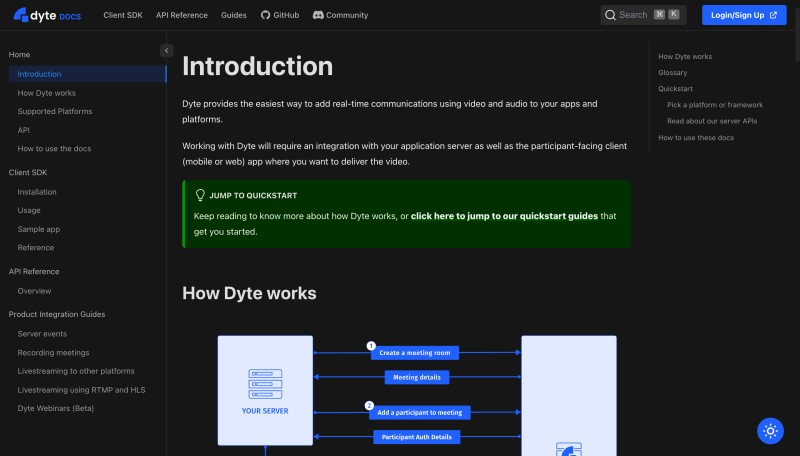
# Updated documentation
We have updated our documentation
at docs.dyte.io.
Key changes include:
-
Easy to copy code samples
across features
-
More intuitive API
references
-
Improved search and
navigation
|
# Stay tuned for
-
Active session APIs to control
the session:
A major overhaul of our sessions
API is in the works. We are
introducing new endpoints,
allowing you to control additional
aspects of live sessions, like
stopping/starting meetings
programmatically,
sending/retrieving chat/poll, or
even kicking people from a
meeting!
-
One way live streaming API
allowing millions of users to
watch a Dyte stream
-
More plugins 🚀
|
Over the last month, we have
penned our vision and written
about useful tools and best
practices we use. If you haven't
had the chance to read through
them yet, you can do so
here:
|
We launched our Discord community
last month which is now 150+
members strong. We visualize this
as a platform to unite passionate
developers from around the globe
and foster a culture of building
Dyte together with our users. If
you are not part of the community
yet, do slide into our
servers
here.
|
Got any product related feedback
or feature request? Let us know here.
|
Get started with your 10,000 free
mins every month if you haven’t yet!
|
|
|
|
|